Start from a story
The newsroom generator loads the article headline, text, date, photo, and publisher details for the selected news item.
Give a published story a newspaper-style presentation. Editors can choose a layout, tune the photo and typography, preview the result, and export a JPEG or PDF from the newsroom.
Adjust the masthead, headline, columns, photo crop, and image tone while the clipping updates in the preview.
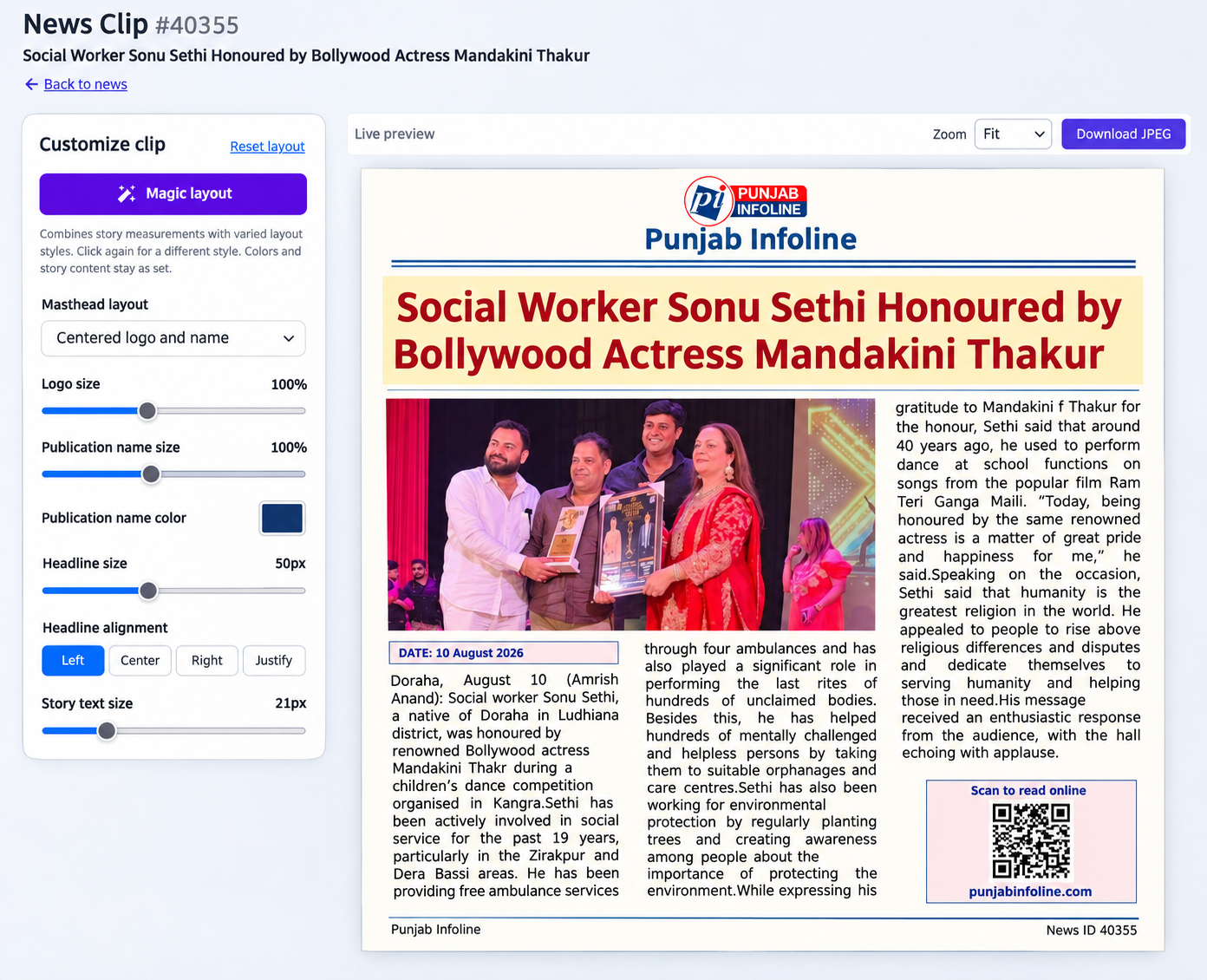
The newsroom generator loads the article headline, text, date, photo, and publisher details for the selected news item.
Set text columns, headline and body sizes, photo zoom and position, black and white, or a monochrome preset. Magic layout offers calculated variations without changing the story or colors.
Download the finished clipping as a JPEG, a long-page PDF, or a paginated A4 PDF after reviewing the preview.
These exported clips show the output from the editor above.
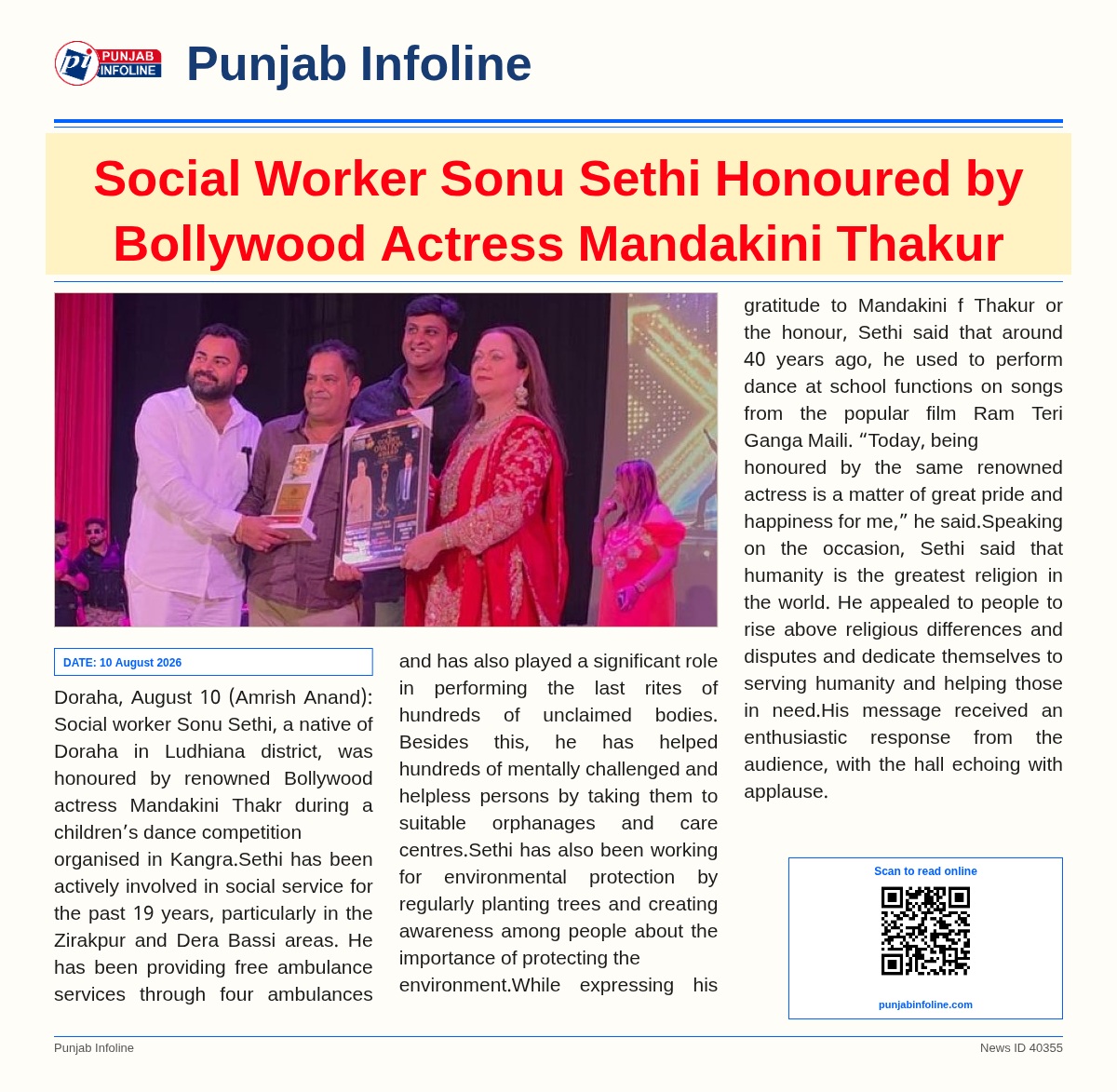

See how SaraBiT Media turns published articles into branded images and PDFs.
Request a demo